![branding-blue-tagline.svg]](https://info.vueops.com/hubfs/Imported%20images/branding-blue-tagline.svg)
Access your Profile
- Log into SiteLine.
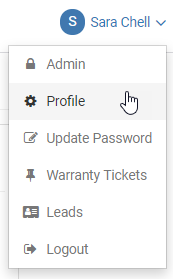
- Select your User Menu at the top-right of the page.
- Select "Profile".
Update profile attributes
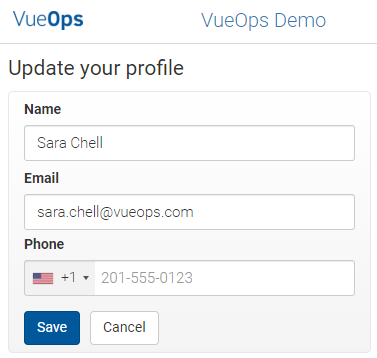
- Name - Include your first and last name
- Email - Your company email address.
- Phone - Your company phone number.
- Click "Save".